Understand the material
Review source proposals in Paper. Inspect the model assumptions and equations, then check the PROPS order and STATEV map in Parameters and State.
Turn equations, experiments, and research into traceable material models your team can inspect, test, and reuse.
The AI workspace for computational mechanics.
From constitutive equation to verified implementation.
A constitutive model lives in fragments: equations in a paper, a derivation, a parameter table, Fortran, an input deck, a single-element test, and a solver log. Engineers move between them by hand. ddsdde is built to own that path from end to end.
A published model, a derivation, or equations you type yourself.
Equations, parameters, state variables and assumptions, each with a source.
UMAT or VUMAT code, with every line traced to the equation behind it.
The Jacobian against a numerical reference. The physics against results the code cannot influence.
A single-element Abaqus job, with the results it should produce written beside it.
The message and status files read for a cause when a job will not converge.
Separately these look like utilities. Together they close a loop: a paper becomes a structured model, the model becomes code, the code is tested, failures are diagnosed, and the evidence is packaged into a report. Stages 04 and 06 are marked because that is where the product is defensible. Generated code is cheap. Evidence that it is right is not.
Every new feature must make implementation faster, verification stronger, or debugging more reliable. If it does none of those, it does not belong in the first product. The rule this roadmap is held to
ddsdde answers it in zero. Put the cursor on an argument and the panel on the right fills in.
The physical quantity, in plain words. DDSDDE is the
material Jacobian — the change in stress divided by the change in
strain. Not a symbol to memorise.
Abaqus has no unit system, so a wrong unit produces no error. It produces a wrong answer that looks entirely plausible. Every argument carries its dimension.
Whether Abaqus supplies the value or you must calculate it. This is the most frequent cause of a subroutine that compiles cleanly and returns incorrect results.
! Material response and consistent tangentSUBROUTINE UMAT(STRESS, STATEV, & DDSDDEOUTMaterial JacobianDerivative of the stress update with respect to the strain increment.Your UMAT writes this array. Abaqus uses it in equilibrium iterations., SSE, SPD, SCD, & RPL, DDSDDT, DRPLDE, DRPLDT, & STRAN, DSTRAN, TIME, DTIME, & TEMP, DTEMP, PREDEF, DPRED, & CMNAME, NDI, NSHR, NTENS, ...) DIMENSION STRESS(NTENS), & DDSDDE(NTENS, NTENS)Hold Shift and click any argument to open its full reference — type, ordering, sign convention and the mistakes people make with it.
A file tree, an editor, and the inspector. The top bar carries one control. Everything else lives on a keyboard shortcut, the way you already work.
Scroll the figure sideways to read it.
DDSDDE means Abaqus does not supply that value — you
must calculate it.
Scroll the figure sideways to read it.
Scroll the figure sideways to read it.
These figures are drawn from the interface source rather than photographed, so they stay sharp on any display and follow your system light or dark setting.
Open Workspace in the editor toolbar to organize the material model: its equations, parameter ordering, state variables, generated code, checks and report. Follow a number back to its source and keep the assumptions beside the implementation.
Review source proposals in Paper. Inspect the model assumptions and equations, then check the PROPS order and STATEV map in Parameters and State.
Inspect generated code and use the Jacobian and Tests panels for supported model workflows. See the measurement and acceptance criterion beside each verdict.
Investigate Abaqus job diagnostics in Failures and export the model’s evidence from Report. Give a colleague the inputs, assumptions and results needed to assess the work.
Workspace follows the structured model. To test an existing UMAT already open in the editor, use Verify. Model generation and Workspace checks depend on the supported model family.
Click Verify in the editor toolbar to check the active UMAT, including unsaved edits. Design tests around the physics in that file, watch the prescribed deformation, and inspect the computed stress and state history. No Fortran compiler installation required for supported source.
A local compatibility check identifies unsupported Fortran syntax before execution. The snapshot includes the code currently in your editor.
Explicitly send the source and your context to Anthropic using your key. AI proposes loading paths, source evidence and expected behavior. Review extracted inputs and supply any missing material values.
The built-in interpreter executes supported source locally. Play through the recorded increments, inspect the block’s displacement constraints, and compare stress–strain curves or state values with references.
Read pass, fail or inconclusive results with their measurements and tolerances. Export the source fingerprint, reviewed plan, recorded histories and results.
Compare DDSDDE with numerical stress derivatives. An internally consistent derivative alone does not prove the material law is correct.
Check final stress or the full stress history against independent references. Test recovery after a closed cycle only in a reversible elastic regime.
Check source-supported bounds and irreversible state evolution. The planner is instructed to select applicable checks, with evidence and an explanation for each.
What the visual test represents: a homogeneous unit block with prescribed affine displacement, labelled boundary conditions and adjustable display magnification. Current support is a bounded Fortran subset for self-contained 3D small-strain UMATs. Resolved fiber–matrix geometry, contact and friction require additional solver support. A passing test covers its selected cases; it is not component certification.
Get ddsddePoint ddsdde at a paper and it proposes a model: equations, parameters, state variables and assumptions. Nothing it proposes enters your model. Every claim carries a quote, and every quote is checked against the paper before you see it.
A field holds a proposed value, the quote offered for it, and a confidence. It becomes a value when you accept it. A proposal with no quote is rejected before it reaches you, because nothing can check a claim with no evidence behind it.
Each quote is searched for in the paper, allowing for paraphrase and for the damage a PDF reader does. A claim the paper does not contain cannot be accepted. Numbers get a second check: the value itself must appear, in one of the forms a paper prints it.
The request goes from your machine with your own key. ddsdde runs no service and never sees the document. Many of these papers are unpublished or commercially sensitive, and a tool that uploads them is a tool you cannot use.
An accepted field records that the paper said it, with the page. A field you corrected records that you said it. Six months later that is the difference between what a paper states and what somebody typed.
What this does not do: judge whether the model read the right table, attributed the right symbol, or understood the physics. It reduces the reading you must do from the whole extraction to the parts that failed a mechanical check. A paper gives equations, not an algorithm — the order they are evaluated in stays your decision, and ddsdde says so rather than inventing one.
ddsdde keeps the model as structure, not as text. From that structure it writes the subroutine. Then it grades what it wrote. The material Jacobian is checked against a numerical reference. The physics is checked against results that do not depend on the code being tested.
Equations, parameters and state variables, each with a source. A value records whether a person typed it, a paper supplied it, or a model inferred it. In a design review you can ask where a number came from.
Fixed-form Fortran 77, inside column 72, with the PROPS order and the STATEV map written at the top. Every line cites the equation it came from. Hardening laws are compiled from your own notation, and their derivatives are worked out for you.
DDSDDE is compared against a finite-difference reference at ten states, from first yield to full reversal. A disagreement is named, not merely flagged, and the report says what it costs the solver.
Twenty-seven tests with verdicts. Moduli, yield onset, plastic volume, flow direction, hardening slope, reversal, dissipation, step-size independence, relaxation, void growth. Each states its criterion before it runs — and skips, with the reason printed, when the model does not claim that property.
| What went wrong | How it is recognised | |
|---|---|---|
| The material Jacobian | ||
| Elastic stiffness returned after yield | The matrix does not change between an elastic state and a plastic one, while the stress does | NAMED |
| Continuum tangent instead of the algorithmic one | The error falls in proportion to the increment, so it vanishes in the limit | NAMED |
| Shear components in Explicit order inside a Standard subroutine | Swapping the last two shear slots reconstructs the reference matrix | NAMED |
| Engineering shear treated as tensor shear | Halving the shear diagonal reconstructs the reference matrix | NAMED |
| A sign error in the plastic correction | The whole discrepancy is a single rank-one term, which is the shape of the flow-direction contribution | NAMED |
| The stress update, where finite differences cannot help | ||
| PROPS read in the wrong order | Yield begins at the wrong stress, and the ratio matches no standard conversion factor | NAMED |
| State variables never written back | An inelastic increment leaves STATEV untouched | NAMED |
| Plastic strain accumulated with a sign | Peak stress falls between cycles under symmetric loading | NAMED |
| Flow direction formed from the total stress | Plastic flow changes volume, and the direction is not normal to the surface | NAMED |
The two halves are separate on purpose. A Jacobian can be a perfect derivative of a stress update that is wrong. A stress update can be correct while the Jacobian costs the solver ten iterations an increment. The last four rows above pass every Jacobian check.
What these checks prove: the algorithm is correct, and the Jacobian matches the stress update. What they do not prove: that your compiler built what you read. ddsdde writes a single-element input deck with the expected results, so that last step takes one run.
Each of these answers one question completely — the conventions, the failure modes, and the numbers. They are worth reading whether or not you ever run ddsdde.
What DDSDDE is, why the algorithmic tangent differs from the continuum one, how to check a tangent against finite differences, and what each kind of error costs the solver.
Read →The interface, the PROPS contract, STATEV and *DEPVAR, engineering shear, component ordering, and the column that silently eats the end of your statements.
Read →What each of the four job files contains, how to read a convergence history, and how to tell a material problem from a mesh problem.
Read →All 346 arguments carry a description, a unit and an access direction. UMAT has the most depth, because UMAT is the primary target of this release.
| Type | Purpose | Arguments | |
|---|---|---|---|
| Abaqus/Standard — material behaviour | |||
| UMAT | Mechanical constitutive model | 37 | COMPLETE |
| UMATHT | Heat transfer constitutive model | 27 | COMPLETE |
| CREEP | Creep and swelling law | 25 | COMPLETE |
| UHARD | Isotropic hardening law | 22 | COMPLETE |
| USDFLD | Solution-dependent field variables | 25 | COMPLETE |
| UEXPAN | Thermal expansion | 11 | COMPLETE |
| UTRS | Time-temperature shift | 10 | COMPLETE |
| Abaqus/Standard — elements, loads and utilities | |||
| UEL | User-defined element | 25 | COMPLETE |
| UELMAT | User element with library material | 21 | COMPLETE |
| DLOAD | Distributed load | 11 | COMPLETE |
| DFLUX | Distributed heat flux | 12 | COMPLETE |
| UFIELD | Predefined field variables at nodes | 11 | COMPLETE |
| URDFIL | Read the results file | 6 | COMPLETE |
| UEXTERNALDB | External database access | 6 | COMPLETE |
| Abaqus/Explicit | |||
| VUMAT | Mechanical constitutive model | 20 | COMPLETE |
| VUEL | User-defined element | 24 | COMPLETE |
| VDLOAD | Distributed load | 11 | COMPLETE |
| VDFLUX | Distributed heat flux | 15 | COMPLETE |
| VDISP | Prescribed boundary motion | 22 | COMPLETE |
| VEXTERNALDB | External database access | 5 | COMPLETE |
COMPLETE means every argument carries a description, a unit and an access direction. It does not mean the data is free of errors. Report an incorrect entry and it gets corrected.
Nineteen model topics, ordered so each one prepares you for the next. The linked worked guides explain the physics, implementation details, a verification procedure, and the mistakes that cost people weeks.
Browse the worked example guides →
Each example cites the papers and repositories to read. ddsdde summarises
them; it does not redistribute their code.
Built on Monaco — the editor inside Visual Studio Code. If you come from VS Code, your key bindings already work.
.f and
.for files get rulers at column 6 and column 72, where
Fortran 77 actually breaks.
Before a new part flies, generates power, or leaves a factory, engineers need to understand how its material responds. DDSDDE helps turn those material rules into code they can inspect and check.
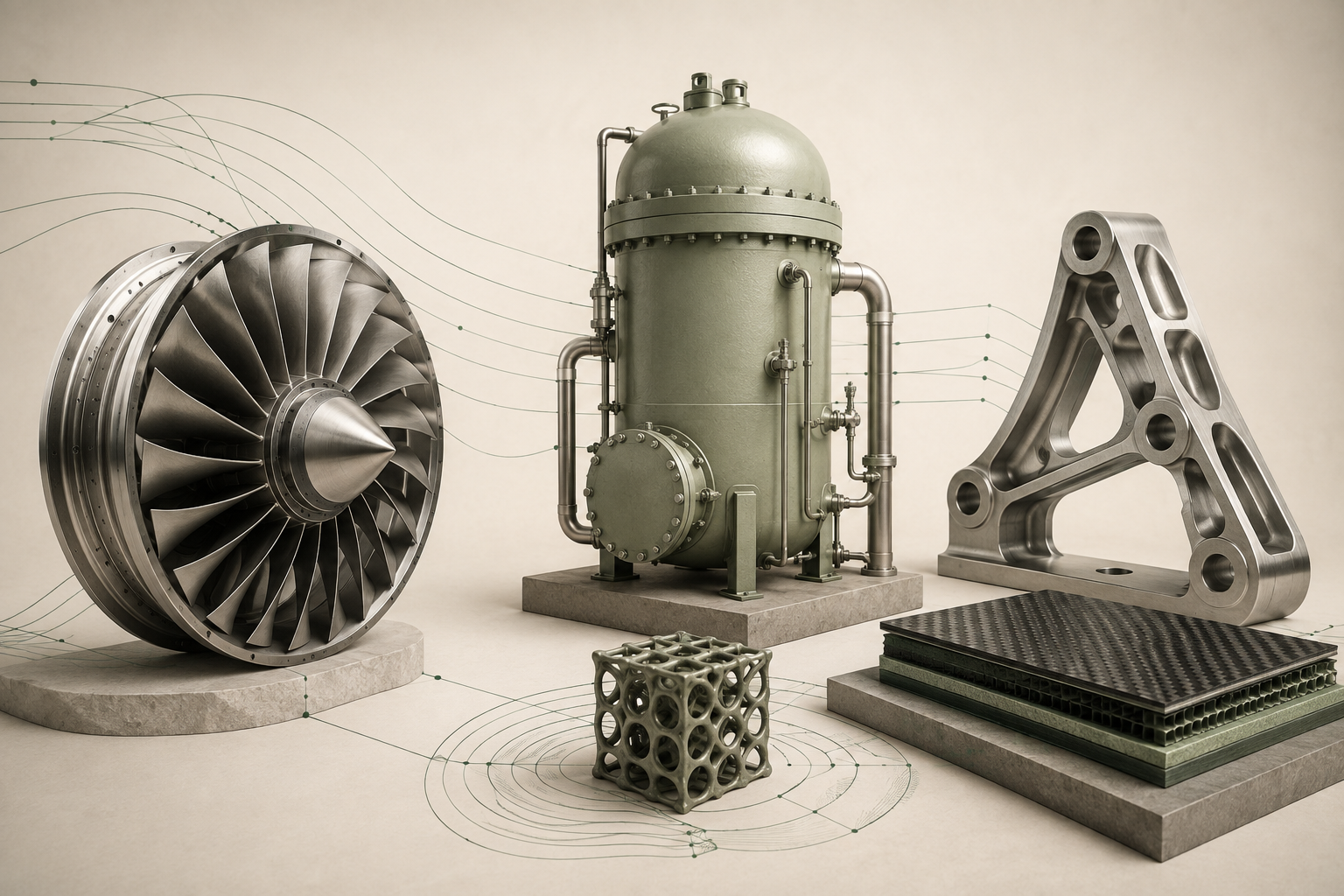
Measure how the material stretches, yields, or changes.
Write those rules as material code. This is part of DDSDDE’s focus.
Compare the implementation against reference behavior.
Use validated models in component simulations and physical test programs.
Can a lighter component withstand demanding loads? Material models help engineers compare designs and plan the next physical test.
How does a material change over long service? Models support specialist assessments of behavior under heat, sustained load, and environmental exposure.
Will a new process produce a dependable part? Material implementations connect measured properties to simulated component response.
FEA divides a virtual component into small pieces to estimate its response. Abaqus is a tool that performs those simulations. A constitutive model describes the material’s response; UMAT / VUMAT is custom code that supplies that rule to Abaqus.
The opportunity is more understandable, reproducible material implementations. Code verification does not replace experimental validation, full-system analysis, or certification. Industry background: NASA computational materials · DOE materials aging. These sources describe the field, not endorsements of DDSDDE.
One installer, no configuration. Nothing to license, nothing to compile, nothing sent to a server.
Windows may show a SmartScreen message — click More info, then Run anyway. The installer is not code-signed yet.
Built on Tauri v2. Questions and defect reports go to flm2127@columbia.edu.
Every argument, every subroutine, every worked example — in the window where you are already writing the code.